Soft Collider#
Collision objects coming from animation usually will contain self intersection and cause issues for simulations. Soft collider is the material model designed for de-intersecting the collision objects while maintaining the silhouette as much as possible. Soft collider carries no momentum, therefore will create no secondary motions. Soft colliders in Blender must be triangulated meshes.
Related Objects#
Solver-
The Solver object for the simulation.
Target Shape-
During simulation, the Target Shape creates a force to pull the simulation object towards the Target Shape. It designed for achieving art directed shape during motion. The strength of the pulling force is controlled Target Stiffness and Target Damping parameter. Target Shape needs to have the same number of vertices as the simulation object.
Driven Shape-
As noted in overview, in Blender, the simulation cache directly deforms the point attribute before any modifier is applied. While during export, all modifiers of the simulation object is applied. This means that having any modifiers on the simulation object that changes point position or vertex count on the simulation object will leads to a discrepancy between the simulation mesh and the simulation cache. Driven Shape is designed to bypass this limitation. If user wish to apply modifiers after the simulation result, user can apply the modifiers to the Driven Shape instead of the simulation object. When Driven Shape is set, the simulation will export from the simulation object, but deforms the Driven Shape (instead of the simulation object).
Properties#
| Property Name | Description | Unit | Is Mappable | Is Animatable |
|---|---|---|---|---|
| Inner Thickness | The thickness along the negative normal direction | Model | YES | YES |
| Outer Thickness | The thickness along the positive normal direction | Model | YES | YES |
| Can Collide With Other Simulation Object | Can this simulation object collide with other simulation objects | YES | YES | |
| Can Collide With Colliders | Can this simulation object collide with kinematic colliders | YES | YES | |
| Inner Friction Coefficient | The friction coefficient for the inside | Unitless | YES | YES |
| Outer Friction Coefficient | The friction coefficient for the outside | Unitless | YES | YES |
| Barrier Stiffness | The stiffness of the collision barrier for contact | \(10\mu N = g*cm/s^2\) | YES | YES |
| Goal Stiffness | How strong the soft collider conforms to the target shape when there is contact | \(g\) | YES | |
| Fall Off Influence | When in contact, and forced to defrom, this parameter influece how far the contact deformation will smooth out | \(10\mu N/cm = g/s^2\) | YES |
Can Collide With Other Simulation Object/Colliders
For collision purposes, soft colliders are simulation objects, not kinematic colliders. To control collision with soft colliders, use the parameter Can Collide With Other Simulation Object.
Goal Stiffness
Goal Stiffness has a unit of mass (\(g\)). It can be interperated as how heavy a vertex is. When two soft collider vertices comes into contect, the heavier vertex will give in less, while the lighter vertex will give in more. This parameter is mappable, but not animatable.
Fall Off Infleunce
When vertices comes into contact, it often creates a sharp and irregular shape. The Fall Off Infleunce parameter controls how much a contact will influece nearby vertices. Larger the value, more the contact will be smoothed out. This parameter is mappable, but not animatable.
Examples#
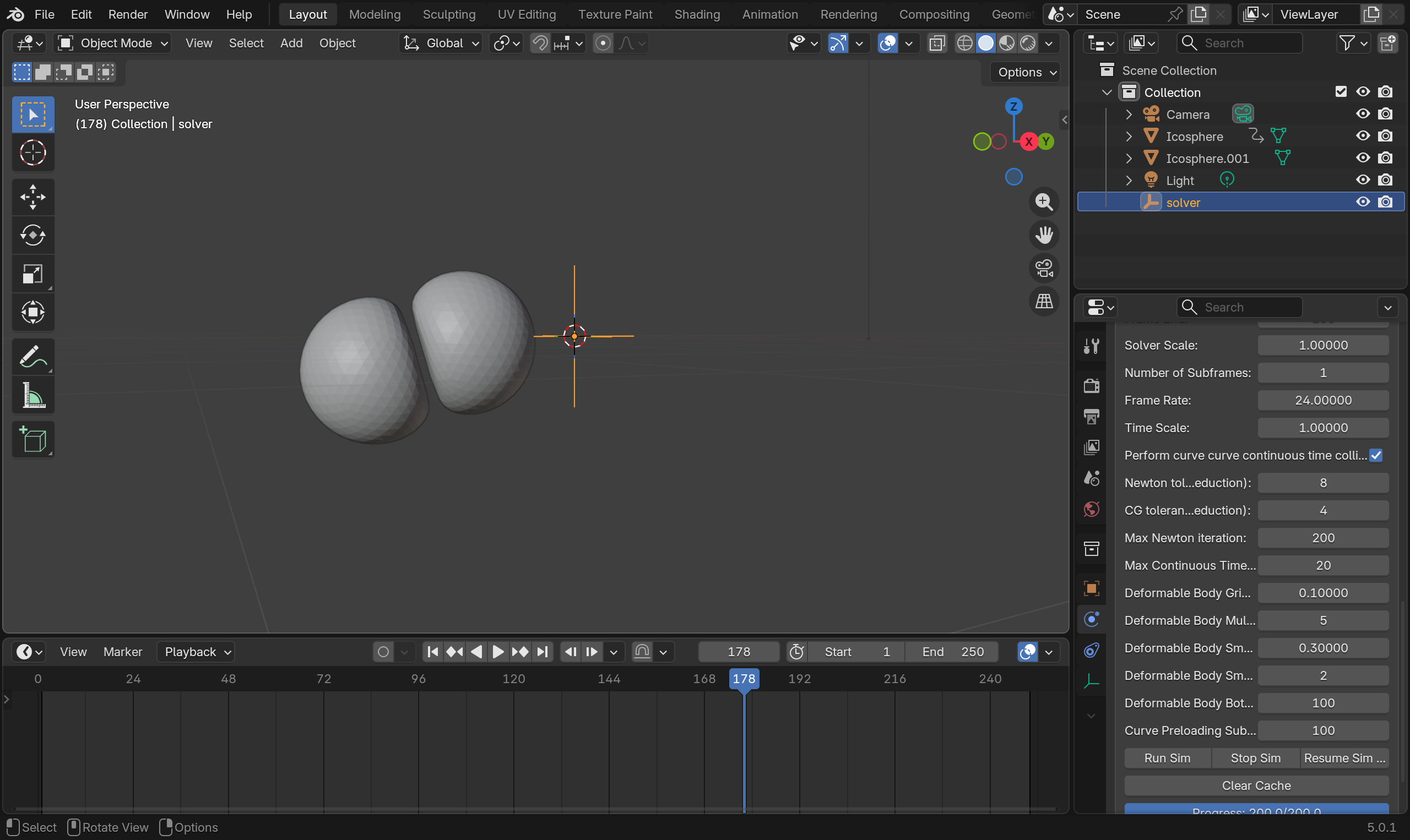
You can find the a simple soft collider example file here.
Before simulation

After simulation
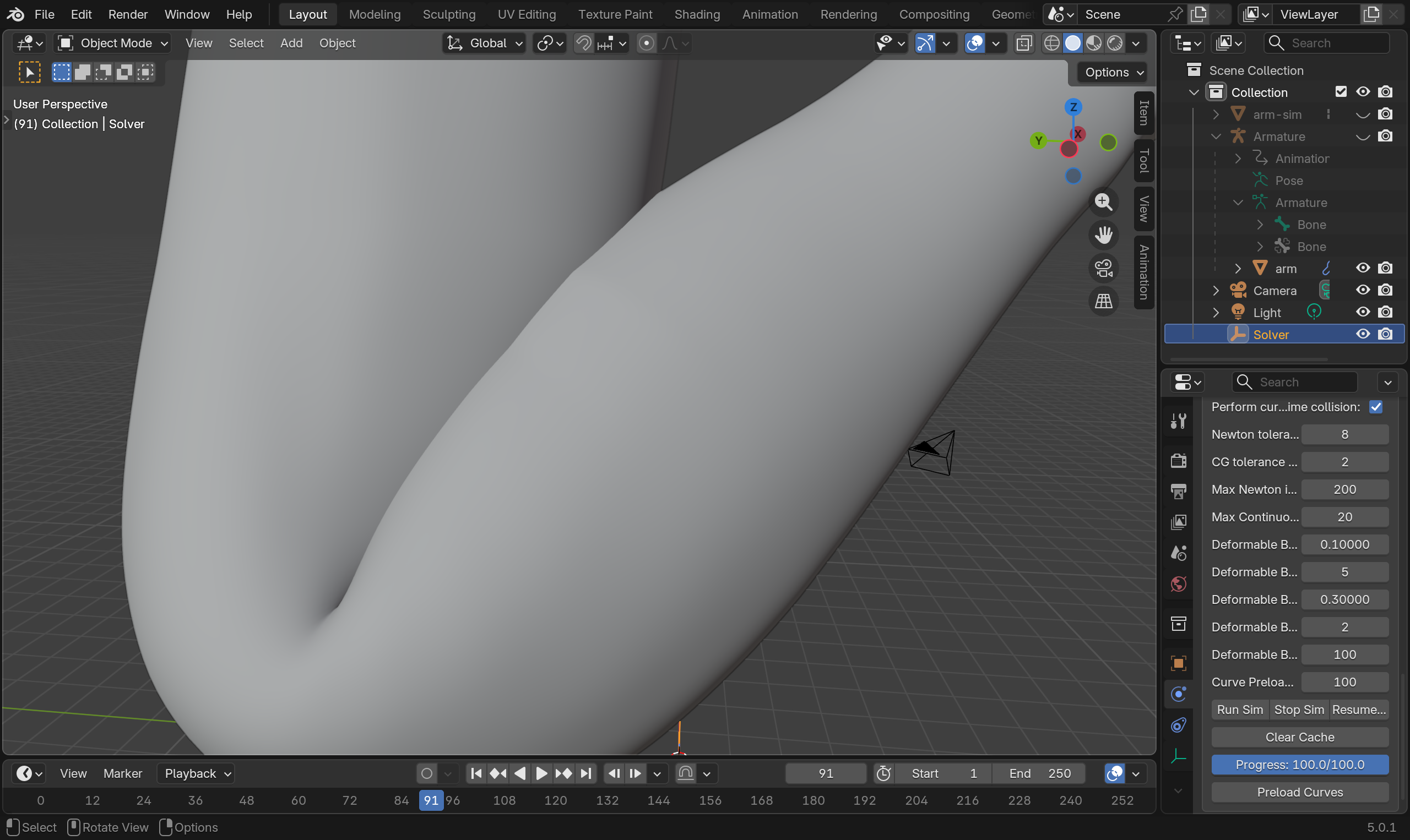
You can find the an example for using soft collider to resolve intersection from animation here. The arm is use a simple two joint rig with automatic generated weights. This example also demonstrates how to use the a painted map and geometry nodes to create attributes (in this case, Outer Thickness), that can be used by the simulator.
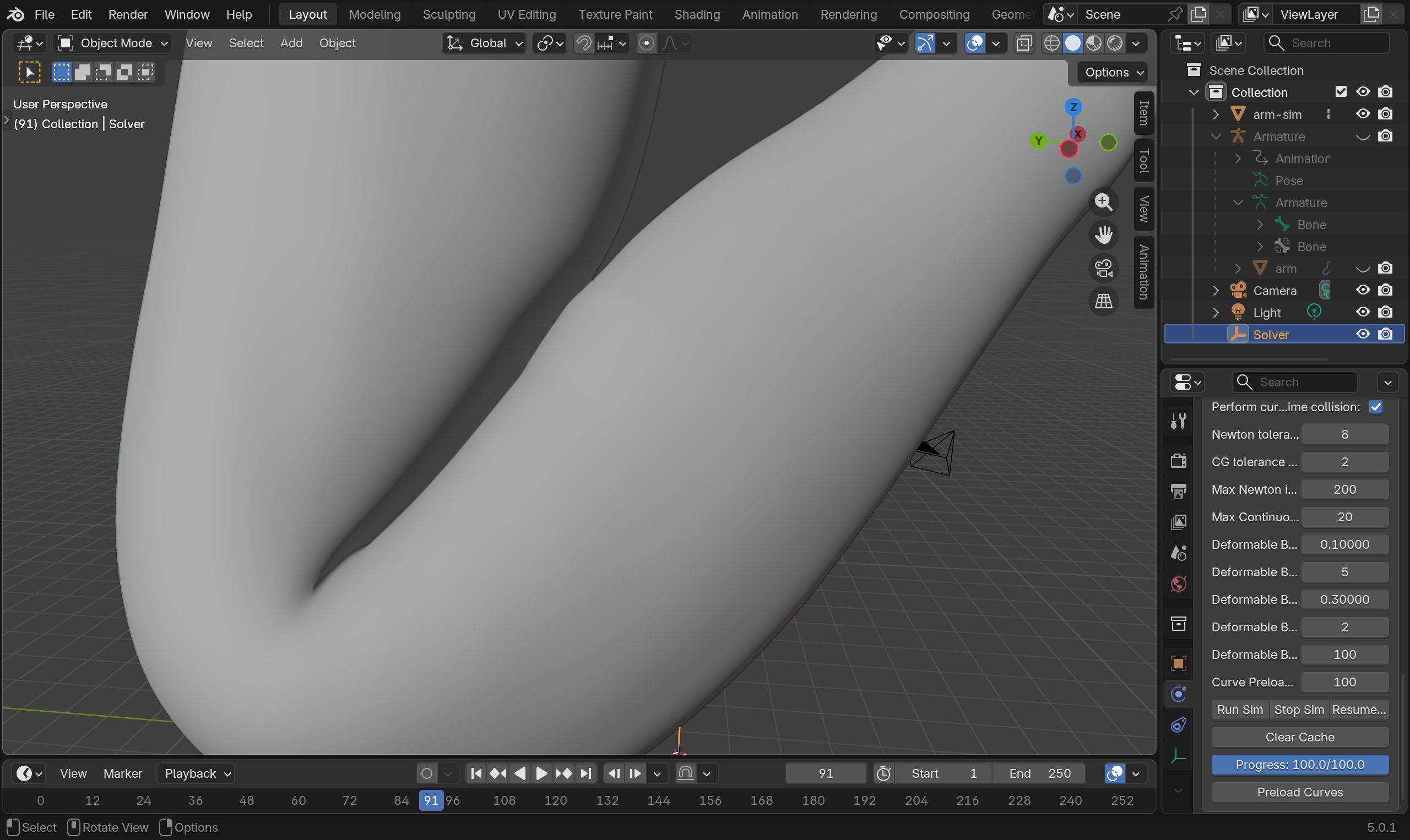
After simulation
On volume perservation
Soft collider does minimal local surface deformation. It is good at preserving siluette but provides no volume preservation. If user wish to have volume perservation, please use deformable body instead.
On the number of substeps
soft collider can used in isolation to clean up animated mesh. The default 10 substeps per frame is usually far too many, given there is no dynamics for the soft colliders. User can go as low as 1 substeps per frame. However, reduce substeps might leads to jitter. In such cases, user might need to increase frame rate, time scale, or increase substeps. It is a balance act between simulation stability and the number of substeps. See solver, for more details on substeps, frame rate, and time scale.