Deformable Body#
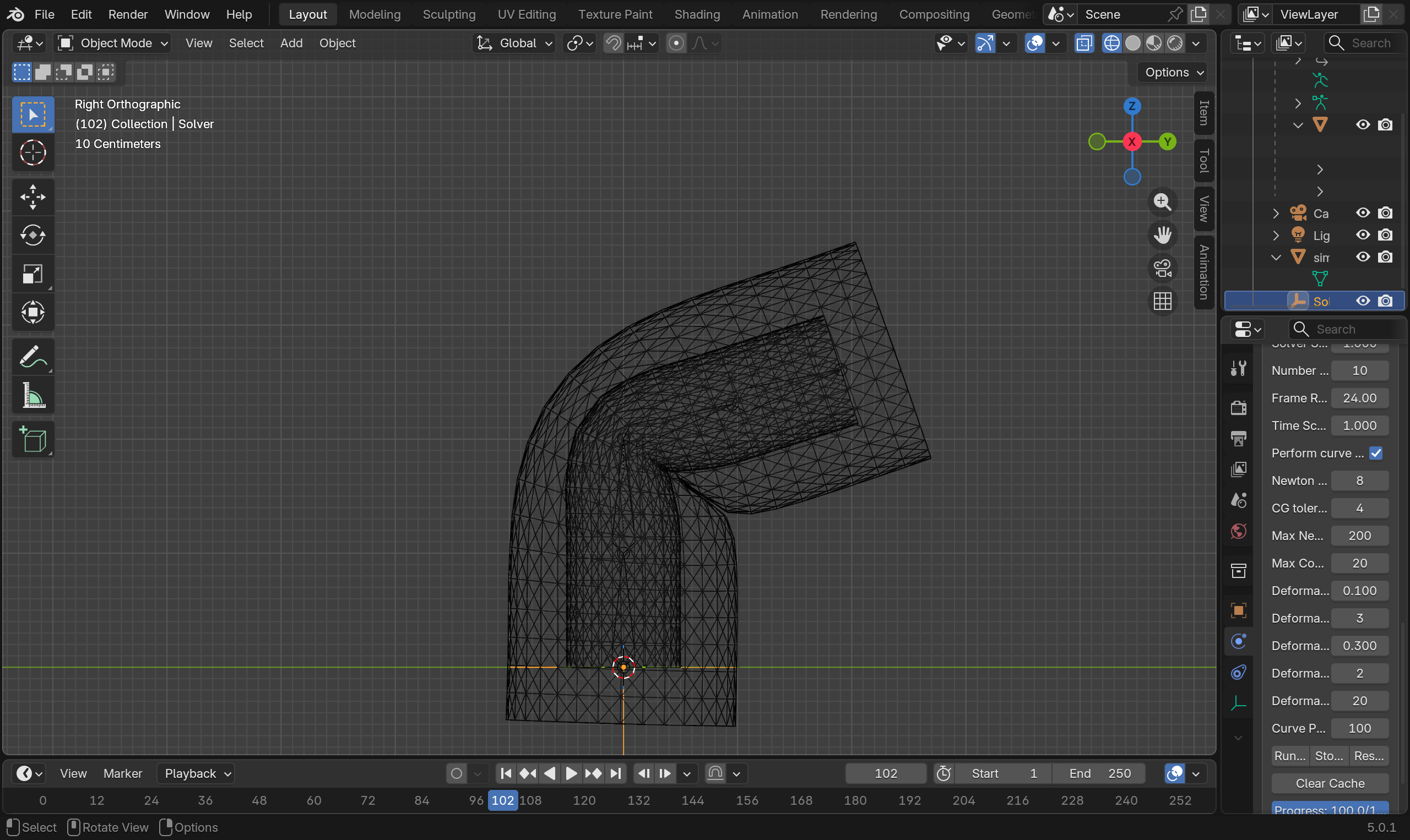
Deformable body is the material model for simulating elastic volumetric objects. Deformable body objects in Blender must be closed triangulated meshes.
Related Objects#
Solver-
The Solver object for the simulation.
Target Shape-
During simulation, the Target Shape creates a force to pull the simulation object towards the Target Shape. It designed for achieving art directed shape during motion. The strength of the pulling force is controlled Target Stiffness and Target Damping parameter. Target Shape needs to have the same number of vertices as the simulation object.
Driven Shape-
As noted in overview, in Blender, the simulation cache directly deforms the point attribute before any modifier is applied. While during export, all modifiers of the simulation object is applied. This means that having any modifiers on the simulation object that changes point position or vertex count on the simulation object will leads to a discrepancy between the simulation mesh and the simulation cache. Driven Shape is designed to bypass this limitation. If user wish to apply modifiers after the simulation result, user can apply the modifiers to the Driven Shape instead of the simulation object. When Driven Shape is set, the simulation will export from the simulation object, but deforms the Driven Shape (instead of the simulation object).
Mesh Bone-
For simulating secondary motions of animated charaters, user will need to provide a mesh bone for the deformable body simulation. The mesh bone is, most commonly, is the animated mesh, displaced slightly along the negative normal direction of surface. The exact amount depends on the amount of secondary motion and deformation user wants. The more offset user use, more secondary motion and deformation the simulation will allow to have. Concepturally, mesh bone is just an internal target shape. mesh bone must be interior of the simulation mesh. However, it does not need to be intersection free or match the vertex count and topology of the simulation mesh. mesh bone can be significantly simplified for performance.
Properties#
| Property Name | Description | Unit | Is Mappable | Is Animatable |
|---|---|---|---|---|
| Target Stiffness | The strength of the target shape pull | \(10\mu N/cm = g/s^2\) | YES | YES |
| Target Damping | Damping factor for target shape pull to prevent oscillation. \(1\) is critical damping | Unitless | YES | YES |
| Can Collide With Other Simulation Object | Can this simulation object collide with other simulation objects | YES | YES | |
| Can Collide With Colliders | Can this simulation object collide with kinematic colliders | YES | YES | |
| Gravity | The gravitaional acceleration | \(cm/s^2\) | YES | YES |
| External Force | Additional external force | \(10\mu N = g*cm/s^2\) | YES | YES |
| Outer Thickness | The thickness along the positive normal direction | Model | YES | YES |
| Friction Coefficient | The friction coefficient for the deformable body | Unitless | YES | YES |
| Barrier Stiffness | The stiffness of the collision barrier for contact | \(10\mu N = g*cm/s^2\) | YES | YES |
| Density | Density of the deformable object | \(g/cm^3\) | YES | YES |
| Lambda \(\lambda\) | The first Lamé parameter, \(\lambda\). It roughly corresponding to area preservation | \(0.1 Pa = g/cm/s^2\) | YES | YES |
| Mu \(\mu\) | The second Lamé parameter, shear modulus, \(\mu\). It roughly corresponding to resistance to the shearing motion | \(0.1 Pa = g/cm/s^2\) | YES | YES |
| Mesh Bone Stiffness | The strength of the mesh bone pull | \(10\mu N/cm = g/s^2\) | YES | YES |
| Mesh Bone Damping | Damping factor for mesh bone pull to prevent oscillation. \(1\) is critical damping | Unitless | YES | YES |
Mesh Bone Parameters
Mesh bone parameters (Mesh Bone Stiffness and Mesh Bone Damping) are mappable. However, given mesh bone may be have different number of vertices as the simulation mesh, the maps (attributes) will live on the mesh bone instead of the simulation mesh. You can find an example of this map set up here. User can find more on maps in the property map section.
Grid Embedding#
Deformable Body in HiPhyEngine is an implementation of the work by McAdams et. al.. It embeds the simulation in a hidden 3D grid. All deformable bodies share the same grid. Therefore the parameters related to the grid reside on the solver node.
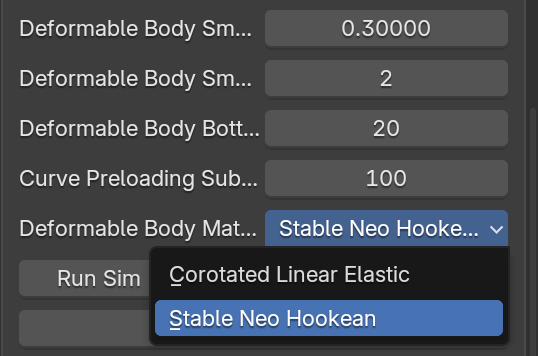
In the solver node, user can choose between the corotated linear elastic and stable NeoHookean model. corotated linear elastic is faster, but will suffer more volume loss with larger deformation. stable NeoHookean can handle large deformation better, but is slower. They share the same elastic parameters, and the material model attribute can be keyed and animated if needed.
Grid Resolution
Higher grid resolution will have a significant impact on the simulation performance. However, large grid size may lead to undesirable artifacts. For instance, if two mesh faces are rasterized in the same grid cell, the simulation will not be able to separate them. It will up to the user to try to see what resolution best fit each scene. For a general humanoid character, \(1cm\) cell size is a good start. However, it is worth noting that the grid cell size parameter is in model unit. It is intended for ease of measurement. If your character is about 100 units in the scene, and you set the grid cell size as 1, the resolution of the simulation grid of will be about 100. Please see the solver for more details on model unit.
Furthermore, the HiPhyEngine uses a series of coarse to fine grid to speed up the simulation speed. The method is called the multigrid method. The performance of the multigrid of method deeply depends on the complexity of the mesh, if the mesh is regular such as round or cube shaped, the smallest grid can be 8x8x8 and the multigrid method can achieve very good performance, however, if the mesh has features such as thin limbs, the smallest grid size might need to be 16x16x16 or even 32x32x32 to capture those features. Once again, it will up to user to play with the setting to find the optimal solution for each scene. Luckily, even if the setting is not optimal, the simulator will still work, just it will take a bit longer to simulate.
Here is the list of parameters on the solver that are related to the deformable body multigrid.
| Property Name | Description | Unit | Is Mappable | Is Animatable |
|---|---|---|---|---|
| Deformable Body Grid Cell Size | The rasterization embeding cell size | Model | ||
| Deformable Body Multigrid Level | Multigrid Level | |||
| Deformable Body Smoothing Iteration Damping | Damping factor for multigrid smoother | YES | ||
| Deformable Body Smoothing Iteration | Smoother iteration for multigrid solver | YES | ||
| Deformable Body Bottom Smoothing Iteration | Bottom Smoother iteration for multigrid solver | YES |
Smoother Damping and Iterations
Those parameters are for more advanced users. For more details of the smoother, user can refer to the work by McAdams et. al.. But in most cases, user can leave smoothing iteration damping as what it is. If the deformable body simulation takes a lot of iterations to solve the CG system, user can increase smoothing iteration and bottom smoothing iteration to see if improves the convergence. They are animatable parameter as well. So user can choose to add more iterations for frames with more motions, while reducing them for more static frames.
Examples#
You can find the an example file for deformable body simulation here.

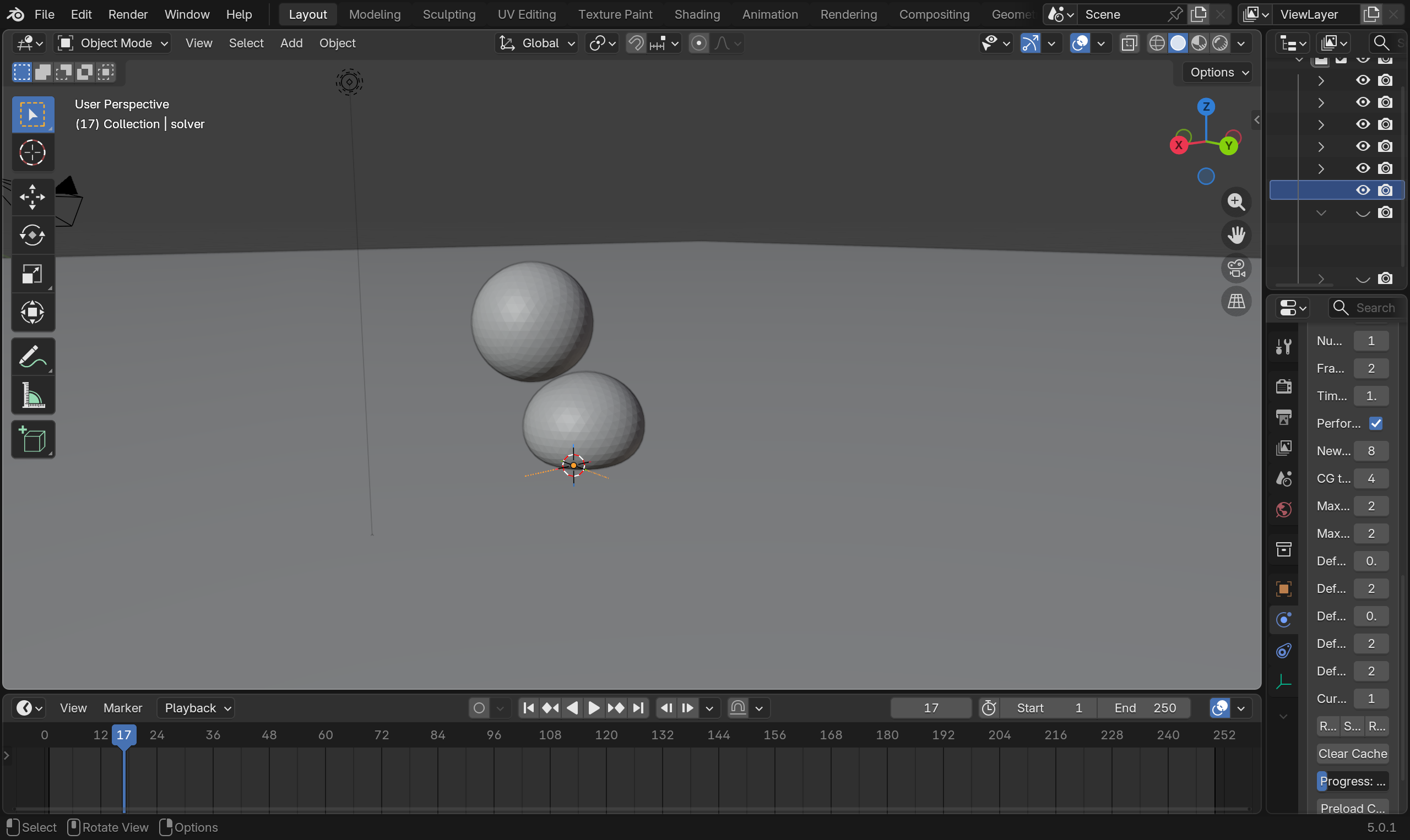
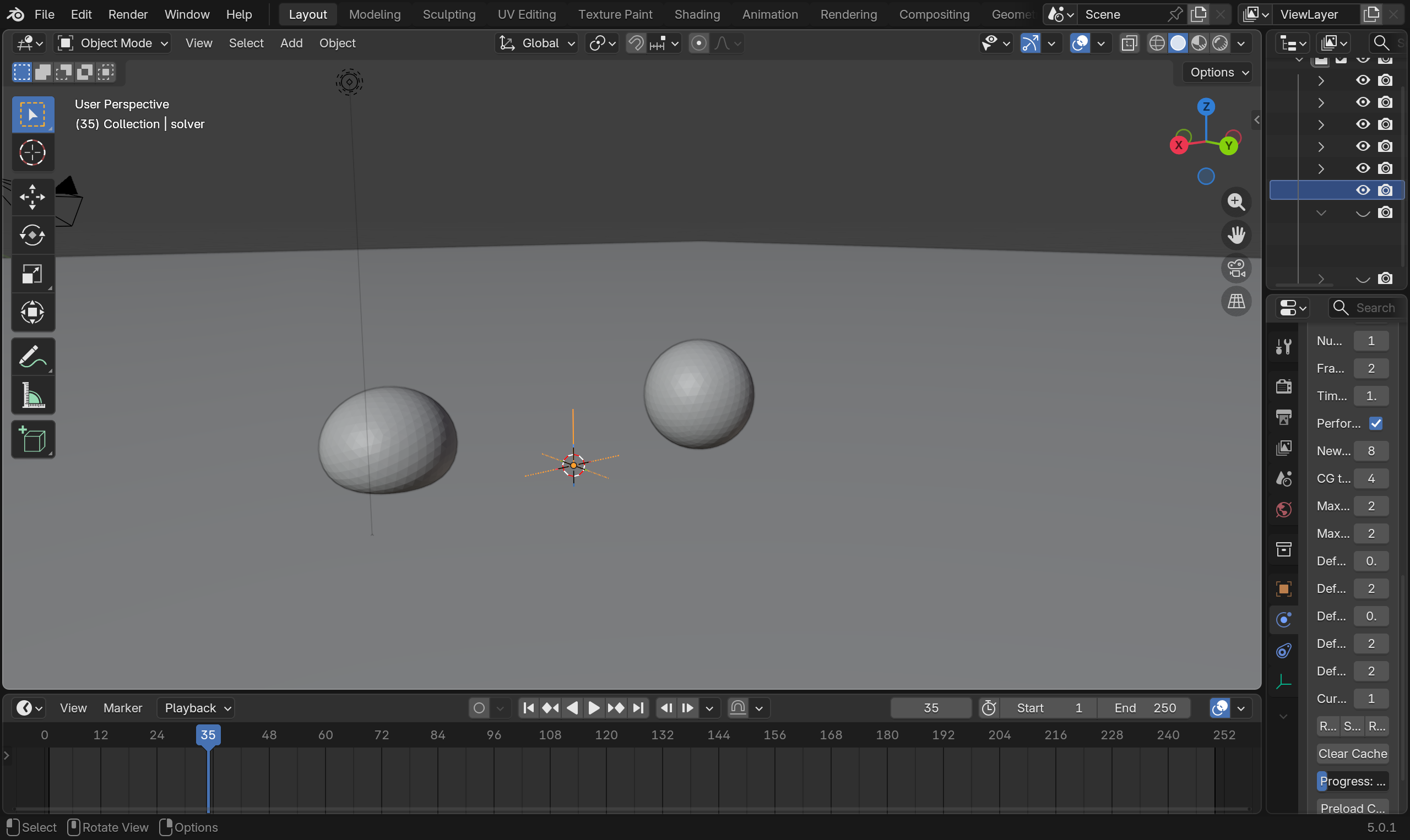
An example file for a simple mesh bone set up can be find here. a version with a mapped mesh bone stiffness setup here.