Affine Body#
Affine body is the material model for simulating stiff materials. Affine body objects must be triangulated meshes.
Related Objects#
Solver-
The Solver object for the simulation.
Driven Shape-
As noted in overview, in Blender, the simulation cache directly deforms the point attribute before any modifier is applied. While during export, all modifiers of the simulation object is applied. This means that having any modifiers on the simulation object that changes point position or vertex count on the simulation object will leads to a discrepancy between the simulation mesh and the simulation cache. Driven Shape is designed to bypass this limitation. If user wish to apply modifiers after the simulation result, user can apply the modifiers to the Driven Shape instead of the simulation object. When Driven Shape is set, the simulation will export from the simulation object, but deforms the Driven Shape (instead of the simulation object).
Material Properties#
| Property Name | Description | Unit | Is Mappable | Is Animatable |
|---|---|---|---|---|
| Can Collide With Other Simulation Object | Can this simulation object collide with other simulation objects | YES | YES | |
| Can Collide With Colliders | Can this simulation object collide with kinematic colliders | YES | YES | |
| Gravity | The gravitational acceleration | \(cm/s^2\) | YES | |
| External Force | Additional external force | \(10\mu N = g*cm/s^2\) | YES | |
| Inner Thickness | The thickness along the negative normal direction | Model | YES | YES |
| Outer Thickness | The thickness along the positive normal direction | Model | YES | YES |
| Inner Friction Coefficient | The friction coefficient for the inside | Unitless | YES | YES |
| Outer Friction Coefficient | The friction coefficient for the outside | Unitless | YES | YES |
| Barrier Stiffness | The stiffness of the collision barrier for contact | \(10\mu N = g*cm/s^2\) | YES | YES |
| Density | Surface density of the affine body object | \(g/cm^2\) | YES | |
| Stiffness | Material stiffness of the affine body | \(100 nJ = g*cm^2/s^2\) | YES | |
| Mass Damping | Damping of all motion of the affine body | \(1/s\) | YES |
Model Unit
Model unit is a special unit that does not scale with the solver scale. See solver for more detail.
Density
Affine body density is computed using the surface area, not the volume. So the density attribute is of unit \(g/cm^2\) not \(g/cm^3\)
Friction Coefficient
Friction coefficients are multiplicative. If a surface with friction coefficient \(0.1\) comes in contact with another surface of friction coefficient \(0.1\), the resulting friction coefficient is \(0.1 \times 0.1 = 0.01\)
Barrier Stiffness
The contact stiffness of barrier has the unit of \(10\mu N\) instead of \(10\mu N/cm\). It ensures that the contact stiffness is thickness invariant, i.e. user will not need to change the contact stiffness if the thickness of the object has changed to ensure the contact barrier exerts the same amount of force.
Stiffness
Affine body should have very high stiffness value, the default stiffness value reflects that. During contact or simulation, the affine body can deform slightly (invisible to the human eye), such deformation allows it to be couple with other deformable materials easily. In general, we want the stiffness to be high enough so the deformation will be hidden visually.
Examples#
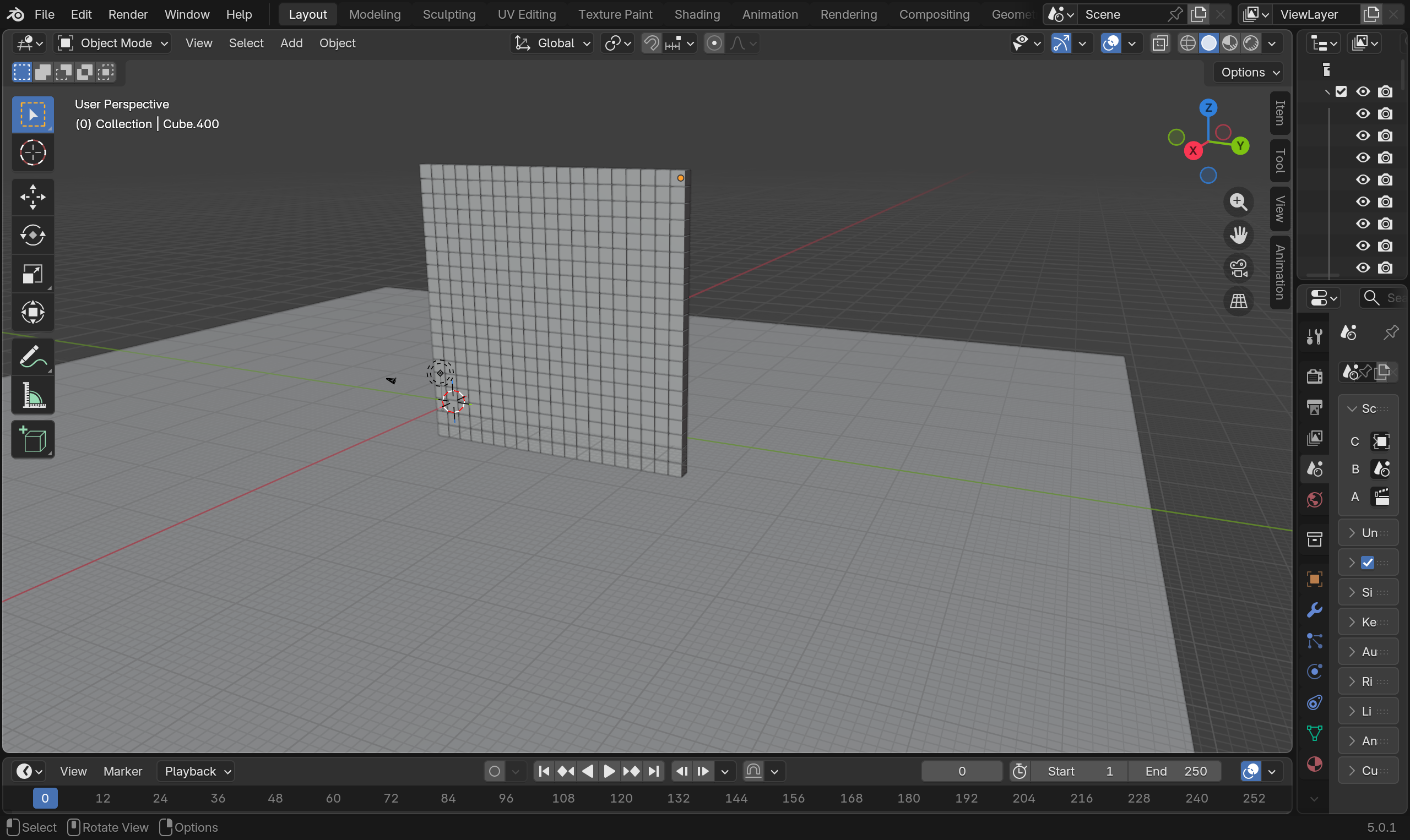
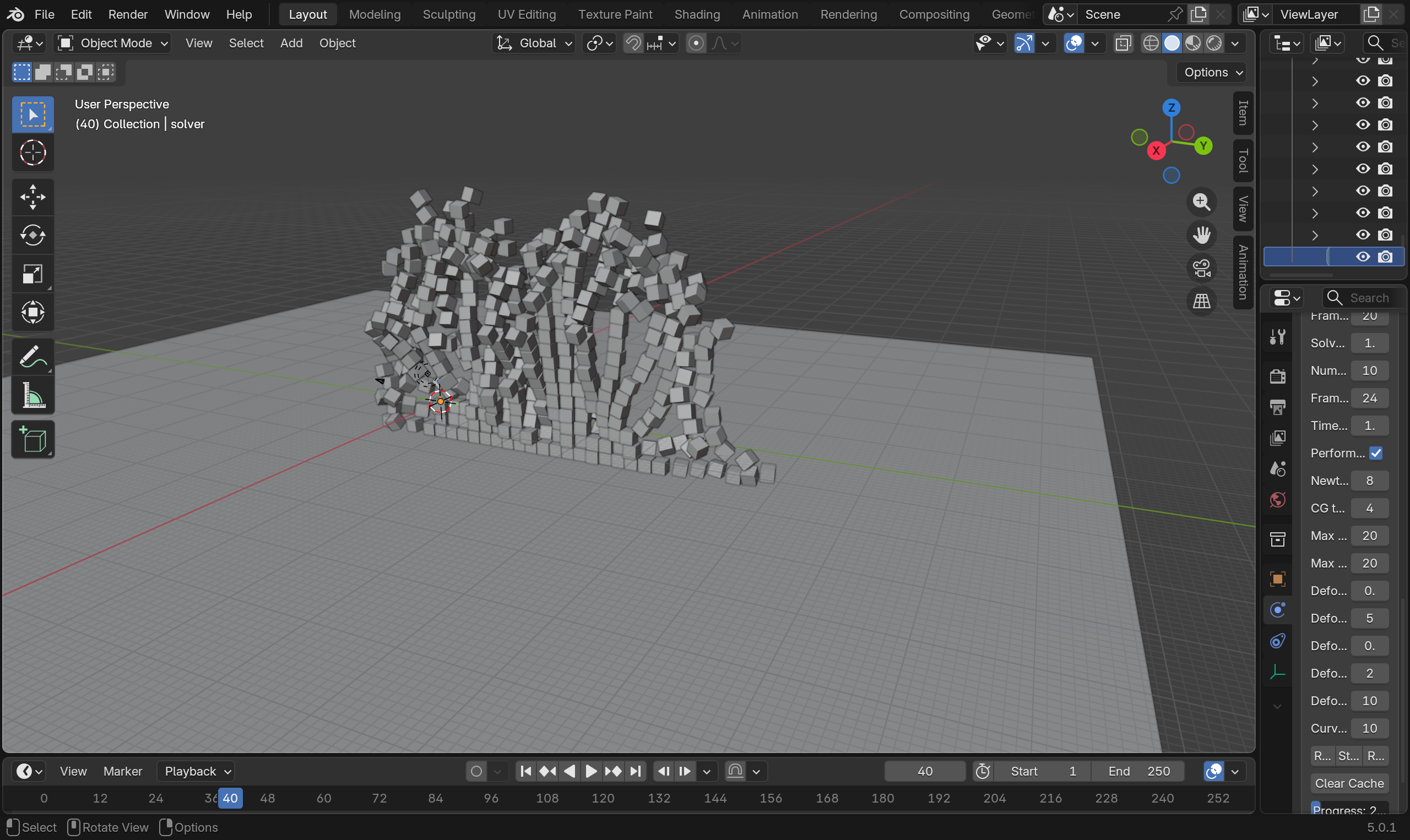
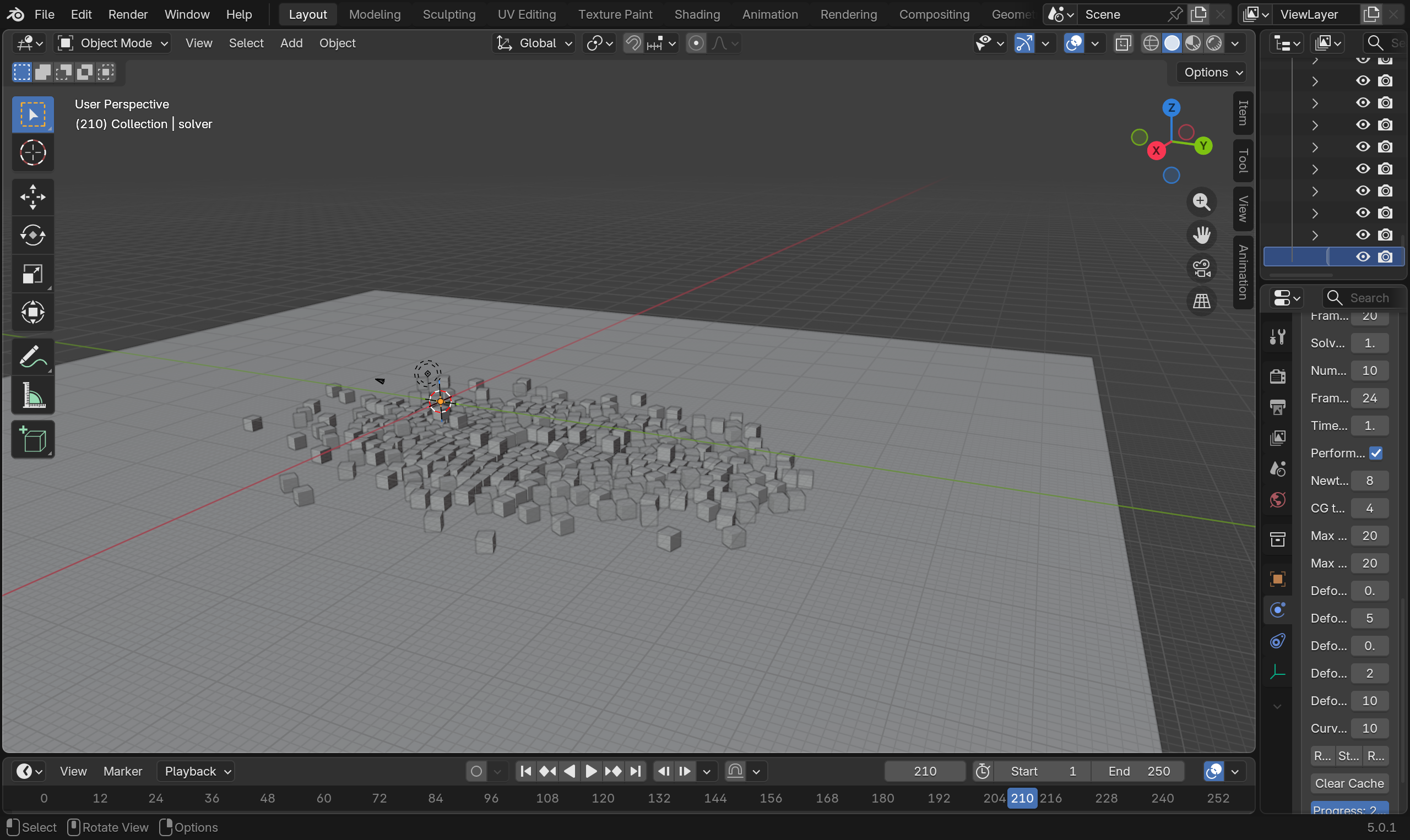
You can find the an example file for affine body simulation here. It comes with a script to create generate a stacked affine body walls.